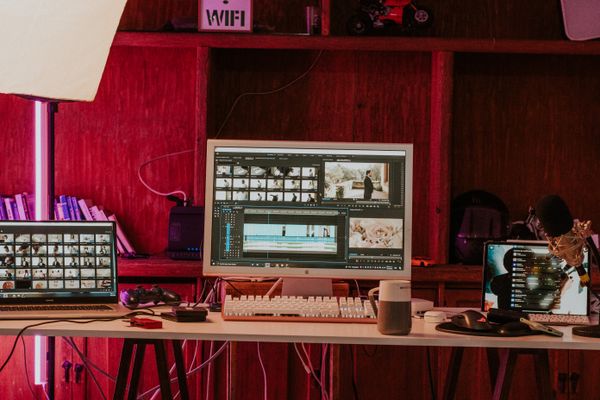
A timeline should keep itself tidy. Most editors leave you patching gaps by hand every time you trim a clip — a few seconds here, a nudge there, and suddenly your cut is a frame off. Riocut's magnetic timeline is built so those chores disappear.
Gaps close themselves
When you delete a clip, the ones after it slide left to fill the space. When you insert one, the timeline makes room. Nothing is ever left floating over empty frames, and you never scrub back to discover a silent gap you forgot to close.
Trims that ripple
Trim the tail of a shot and everything downstream ripples to match — captions, voiceover, and overlays included. Because edits are frame-accurate, a cut that looks clean in the preview is clean in the export. No half-frames, no drift.
Everything stays attached
Captions, audio, and overlays are connected to the shot they belong to. Move the shot and they move with it. That's what keeps a fast edit from turning into a sync-fixing session an hour later.
The result is an editor that feels like it's helping you keep pace, not fighting you for it.